

Blu-ray Ripper
The best Blu-ray ripping software for users to backup, convert, rip Blu-ray and DVD files with simple operations.
learn more

4K Video Converter
Convert 4K MXF/MOV/MP4/MKV and Blu-ray to any format any editing software you want quickly and losslessly!
learn more
ProRes Converter
Easily Convert Any Video to Apple ProRes 422/Apple ProRes 4444. Convert ProRes video to other popular format.
learn more
A few things we’re great at
With Acrok Video Converter Ultimate, you can effortlessly achieve all your multimedia demands and enjoy your videos, audios, DVDs and Blu-rays anywhere and anytime you like.
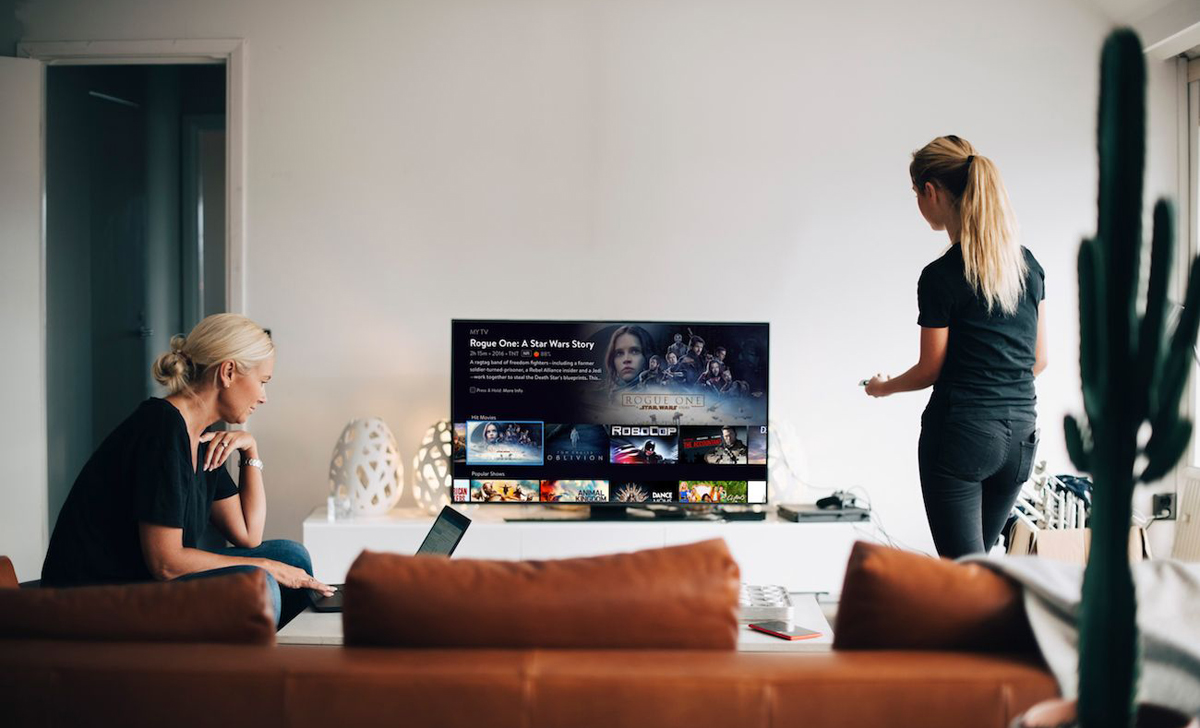
Support Various Formats and Popular Devices
Acrok software can help you convert video/audio in virtually any format and popular devices. It supports over 200 formats. It also provides complete preset profiles for multiple devices.
30X Faster and Lossless Conversion Technology
Powered by Intel®, AMD® and NVIDIA® GPUs, the hardware acceleration can expedite (4K) video transcoding and processing up to 30X faster.

Simple Edit Polishes Up Your Footage
You can trim video length, crop and remove black bars, rotate video, apply visual effects, add watermarks, adjust audio and more in its built-in video editor.
Easy to use
With simple clicks, you can get what you want. Add video/audio files into acrok software, select output fomat and other settings then start the video/audio conversion.
Why Choose Us
Lorem ipsum dolor sit amet, consectetur adipisicing elit, sed do eiusmod tempor incididunt ut labore et dolore magna aliqua. Ut enim ad minim veniam, quis nostrud exercitation.
Secure
Our website is securely SSL encrypted. It’s 100% secure and virus-free.
Free to Try
We offer a free trial version for all programs, you can try before buying it.
Support
You can get free 24/6 support by email from Acrok.
Reliable
Free lifetime updates & support are provided for all users.
What Our Clients Say
Don’t take our word for it – here’s what our clients say:
“Acrok Video Converter Ultimate converts video, and it does so quickly and capable to a multitude of formats. It’s more a video toolbox than a simple video converter. Worth a try!”

Olivia, Blus
“I find the interface of Acrok Video Converter Ultimate fairly intuitive which makes it’s use easy for me and I will be using the files mostly for Blu-ray to ensure they will play on my Smart TV.”

Lunday, Kevin
“Lorem ipsum dolor sit amet, consectetur adipisicing elit, sed do eiusmod tempor incididunt ut labore et dolore magna aliqua. Ut enim ad minim veniam.”

Canto, Meredith
Latest News
Want to take full control of your videos, DVDs and Blu-ray discs? Our tutorials and guides will help you do it with ease.
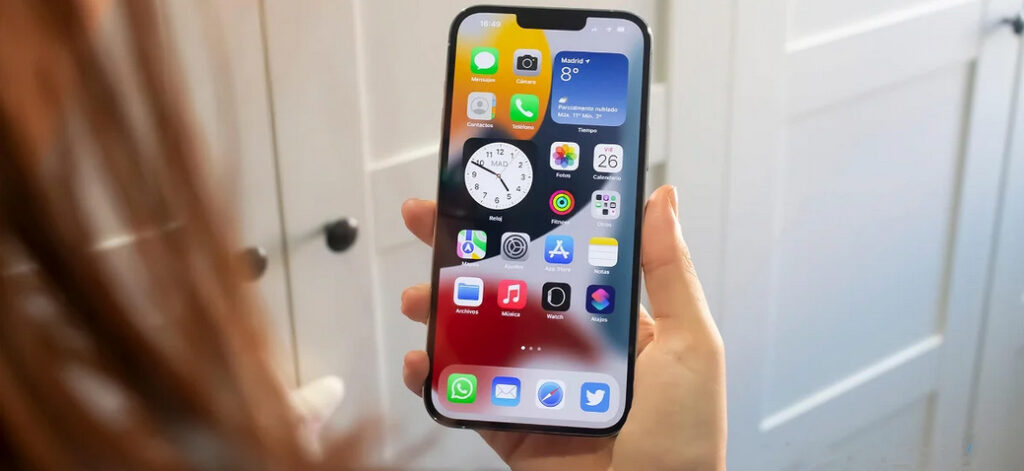
Play Blu-ray movies on iPhone 15/14/13 (mini, Pro, Pro Max)
Apple has released its new smartphone iPhone 15 Pro Max which runs on iOS 17. It houses a 6.7 – inch Super Retina custom OLED display with a resolution of[…]
Read more
Best Windows 11 Blu-ray Ripper | 2023
Acrok Blu-ray Ripper is the most comprehensive Blu-ray ripping program to help you easily rip Blu-ray and convert to video in various formats for further use.
Read more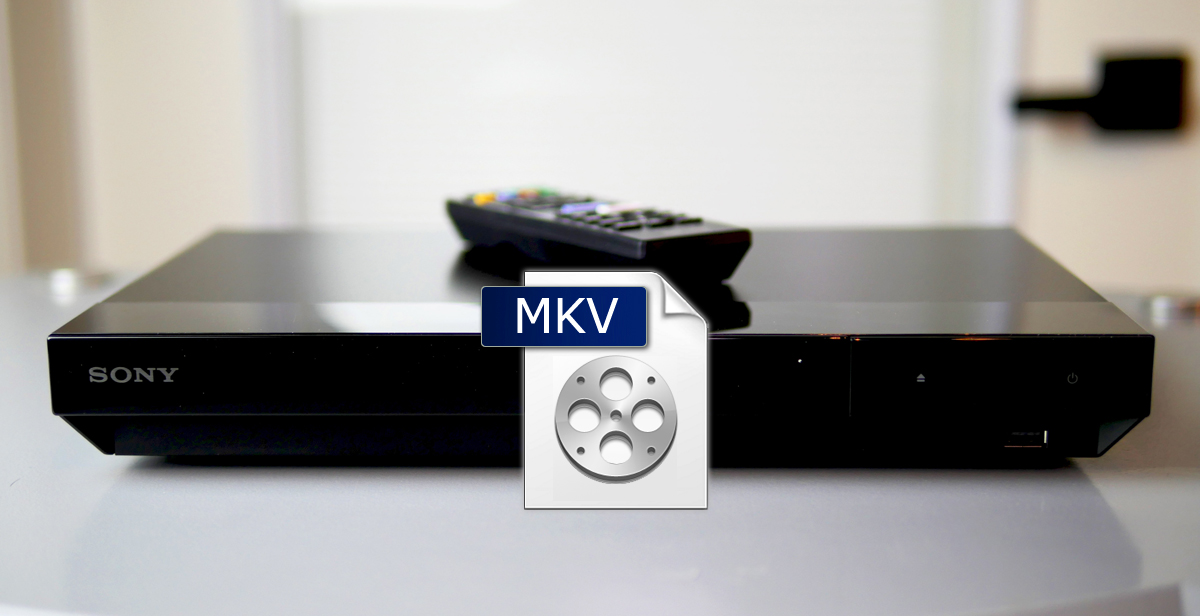
Sony Blu-ray Player Won’t Play MKV files – Solved
Your Sony Blu-ray player can’t play MKV videos? Don’t worry! The tutorial shows you how to play MKV videos on Sony Blu-ray player without any problems.
Read more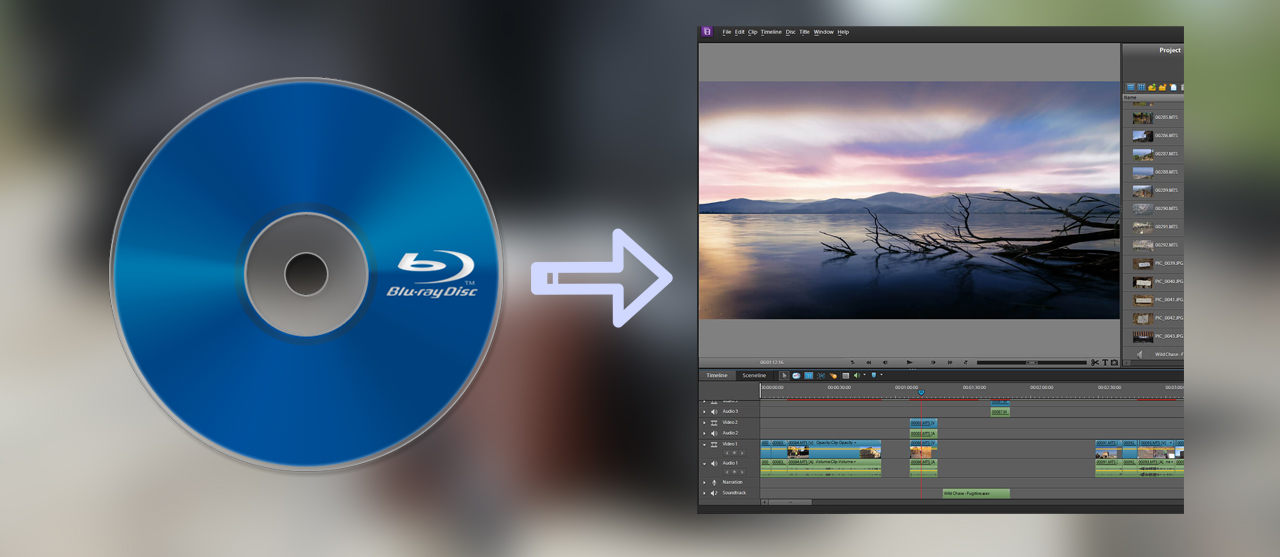
Convert Blu-ray to Premiere Elements supported format
Are you looking for the method to get Blu-ray to Premiere Elements for editing? You may have got some Blu-ray discs and want to use the clips of the Blu-ray[…]
Read more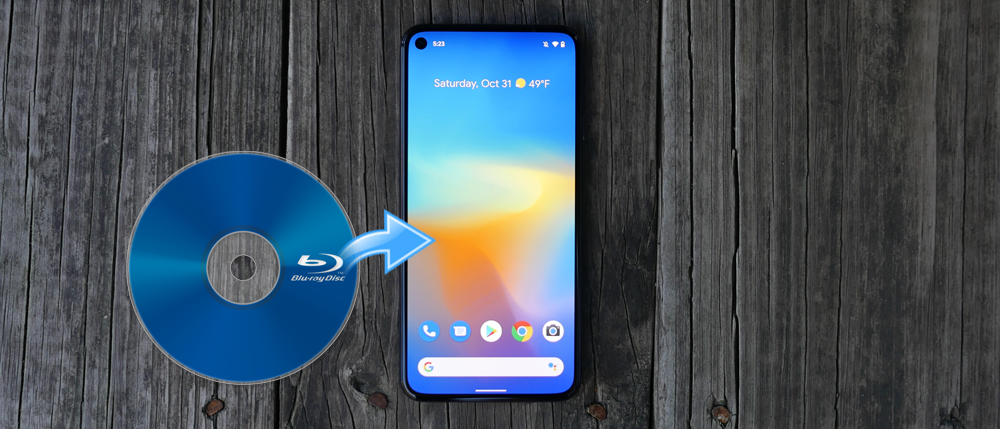
How to watch Blu-ray movies on Google Pixel 8/7/6/5/4a/3?
Can I watch Blu-ray movies on my new Google Pixel 8 Pro? I know I need a Blu-ray ripping software to rip and compress Blu-ray moveis, but I don’t know[…]
Read more
Convert DVD to iPhone 15/14/13 (Pro, Pro Max)
How to play DVD on iPhone 15/14/13, iPhone 15/14/13 Pro and iPhone 15/14/13 Pro Max? If you have some DVD discs, you may want to digitalize them, in this case[…]
Read more